

Features
Features Built for Turf and Sports Facility Owners
See how CrickBox turf booking software helps you manage bookings, slots, payments and your team from one app.
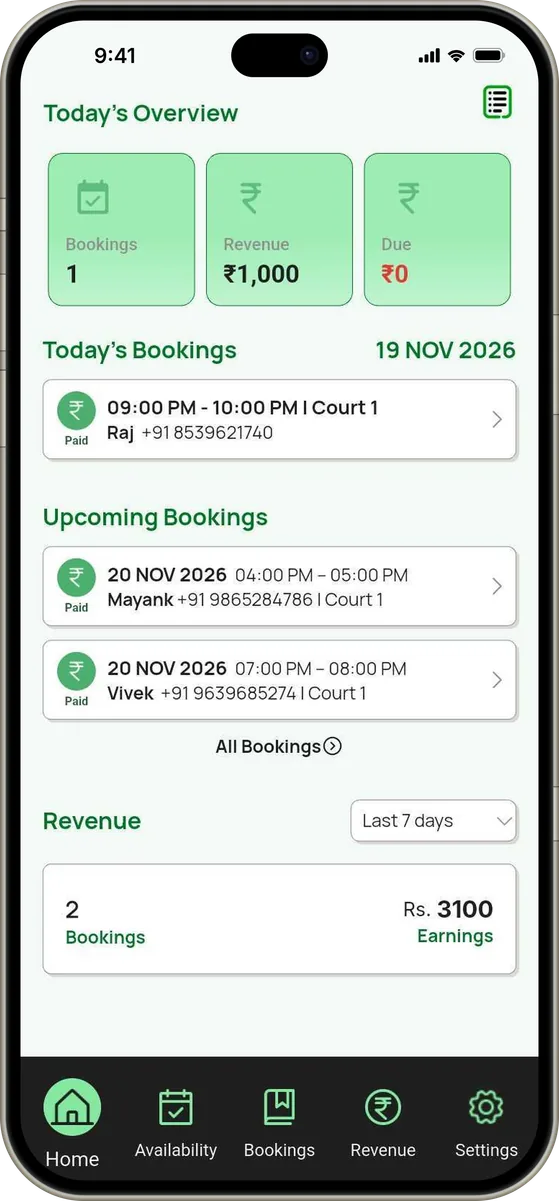
Booking Management
See today's and upcoming bookings in one place, so you always know who is playing and when.
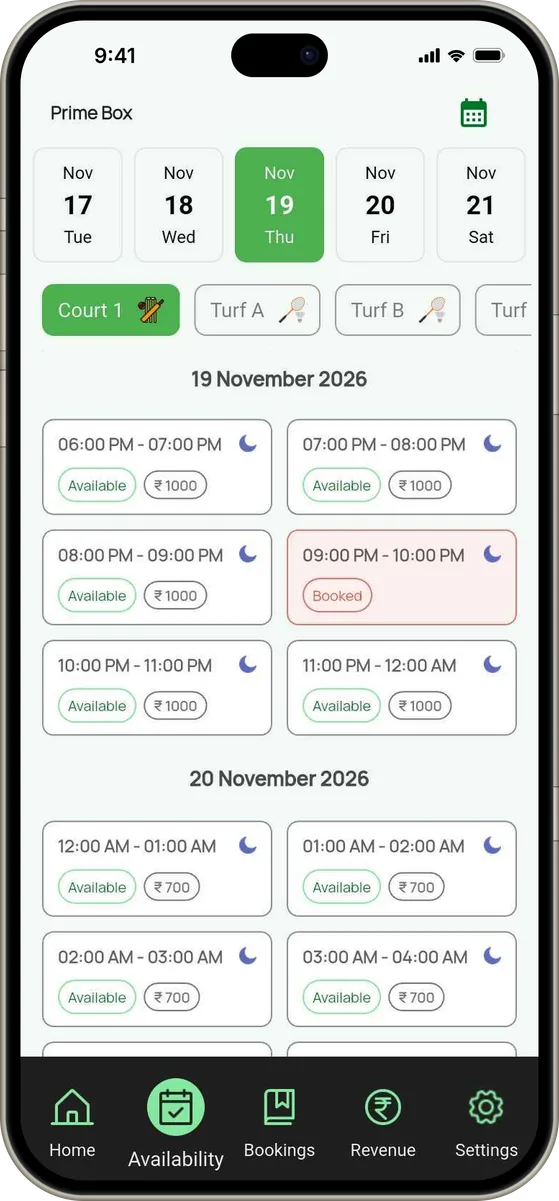
Live Slot Availability
Check which slots are free on any date before you confirm a booking, and reduce the risk of double bookings.
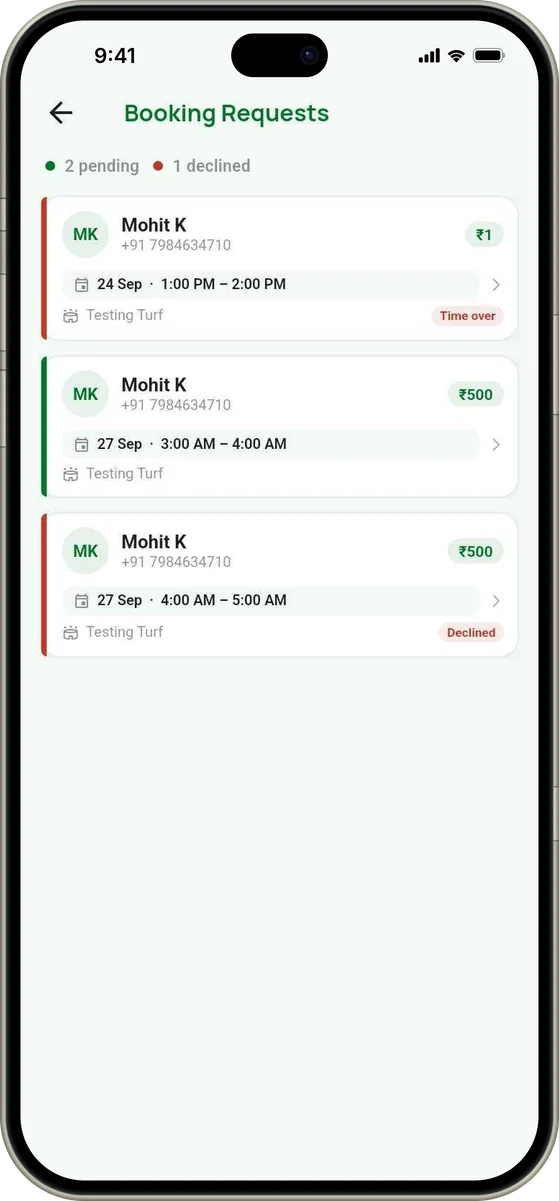
Booking Requests
Review booking requests and accept or decline them from the app, so you stay in control of your schedule.
Revenue and Expense Tracking
Review your income and expenses to understand how your turf business is performing.

Payment Records
Keep track of paid, advance and pending amounts for each booking, so you know exactly what is still due.
Manage Multiple Turf/Pitches
Manage your supported grounds and pitch configurations from one account.

Ready to try it on your own turf?
Start Your Free TrialStaff and Sub-admin Access
Give team members sub-admin access with permissions you set, so daily operations run smoothly even when you're away.

Reports
Review booking and financial reports, and export the available reports when you need them.
Public Booking Link
Share your venue's booking link so customers can check availability and send booking requests on their own.
WhatsApp Communication
Share booking details with customers through WhatsApp and keep booking communication simple.
Online Payments
Online payments can be enabled for eligible venues once they are set up. Talk to our team about availability and setup.
Ask about online payments
