How to Manage Turf Bookings Without Double Bookings
Double bookings cost you money and goodwill. Learn why they happen at turfs and box cricket grounds, and the simple habits that keep every slot clear.

By CrickBox Team
Published 6 min read
Two teams arrive at your turf for the same slot. Both have a booking, both say they paid, and both are now looking at you. However you settle it, someone goes home unhappy, and an unhappy team rarely books again.
Double bookings are rarely bad luck. They are the result of booking information that lives in too many places. The good news is that a handful of clear habits removes almost all of the risk. This guide explains why double bookings happen at turfs and box cricket grounds, and what you can do about it starting this week.
Why double bookings happen
Most turfs take bookings through several channels at once. A regular team calls the owner directly, a new customer sends a WhatsApp message, someone walks in and asks for tonight, and a staff member promises a slot to a friend. Each of these is a booking, but they often end up in different places.
The most common causes are:
- Several channels, no single record. Phone calls, WhatsApp chats and walk-ins are each written down somewhere different, or not written down at all.
- Paper registers and personal notebooks. A register at the counter cannot be checked by the owner who is taking a call at home.
- Unclear slot definitions. "Evening" or "after 7" means different things to different people, so two bookings can overlap without anyone noticing.
- Staff who are not in sync. The person on the morning shift does not know what the evening shift promised.
- Holds that never expire. A team says "keep it for us" and never confirms, so the slot is neither free nor properly booked.
Every one of these problems has the same root: there is no single, up-to-date answer to the question "is this slot free?"
Keep one source of truth for your slots
The most important habit is simple to say and harder to keep: every booking goes into one calendar, no matter how it arrives. A call, a WhatsApp message, a walk-in and a recurring weekly team all end up in the same place.
Make it a rule your whole team follows: if it is not in the calendar, it is not booked. That one sentence settles most arguments before they start, because there is only one place to check.
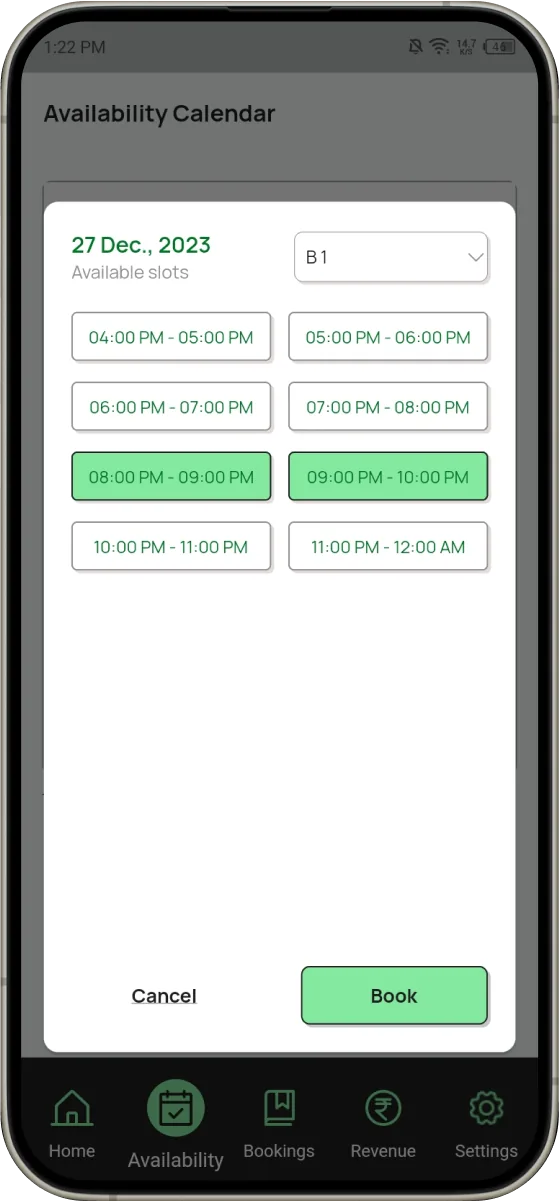
Whichever tool you use, it should let anyone who takes bookings see the same slots at the same time. A shared, always-current view of availability is what stops two people from selling the same hour.
Define your slots clearly
Overlaps often come from slots that were never defined properly. Decide how you sell time, write it down and stick to it.
- Fixed durations. Decide whether you sell one-hour slots, longer slots, or both, and use the same start times every day.
- Buffer time. A short gap between slots gives the previous team time to leave and the next team time to set up, and it stops a late finish from eating into the next booking.
- Clear names for grounds and pitches. If you have more than one ground or pitch, give each a short, clear name and use it in every booking and every confirmation.
- Published timings. Share your slot times with customers, so requests arrive in a form that matches your calendar.
Peak hours and recurring bookings
Evenings and weekends usually fill first, and regular teams often want the same slot every week. Add recurring bookings to the calendar well in advance instead of keeping them in your head. Review them from time to time, so a team that has stopped coming does not block a popular slot for weeks.
Confirm bookings with an advance
A slot that is "on hold" without any commitment is a common source of disputes. Many turf owners ask for an advance before a slot is confirmed, and record it against the booking straight away.
Record three things for every booking: the advance received, the amount still pending, and how it was paid. When a customer later says "but I paid", you can answer in seconds instead of searching through chats.
Tip
Decide how long an unconfirmed hold lasts before the slot is released, and tell customers when they ask. A clear, written rule avoids arguments when two teams want the same slot.
Give staff controlled access
If your staff take bookings, they need to see availability and add bookings. They do not always need to change prices, delete records or see your full revenue.
Give each person their own access, with only the permissions their job needs. When everyone works from the same system, the morning and evening shifts see the same slots, and you can always tell who made a booking or a change. Avoid shared notebooks and shared passwords: they make it impossible to know who promised what.
Send confirmations in writing
A verbal "done, see you at 8" is easy to forget and impossible to check. Send every customer a short written confirmation, for example on WhatsApp, with:
- The date and the start and end time
- The ground or pitch
- The amount paid and the amount still pending
- Your cancellation or rescheduling rule
Written confirmations protect you and the customer. If there is ever a clash, both sides can see exactly what was agreed.
Review upcoming bookings every day
Spend a few minutes at the start of each day looking at today's and the next few days' bookings. You will spot overlaps, missing payments and unconfirmed holds while there is still time to fix them.
For large or important bookings, such as a tournament or a corporate group, a quick reminder message the day before also reduces no-shows.
A quick checklist
Use this checklist to see where your current process is strong and where double bookings can still slip through.
| Habit | How it prevents double bookings |
|---|---|
| One calendar for every channel | There is only one answer to "is this slot free?" |
| Fixed slot times with buffers | Bookings cannot overlap by a few minutes |
| Advance before a slot is confirmed | Holds do not block slots indefinitely |
| Separate access for each staff member | Every booking has an owner, and shifts see the same slots |
| Written confirmations | Both sides know exactly what was agreed |
| A daily review of upcoming bookings | Clashes and missing payments are caught before the customer arrives |
How CrickBox helps
CrickBox is a turf and sports facility management app built around these habits:
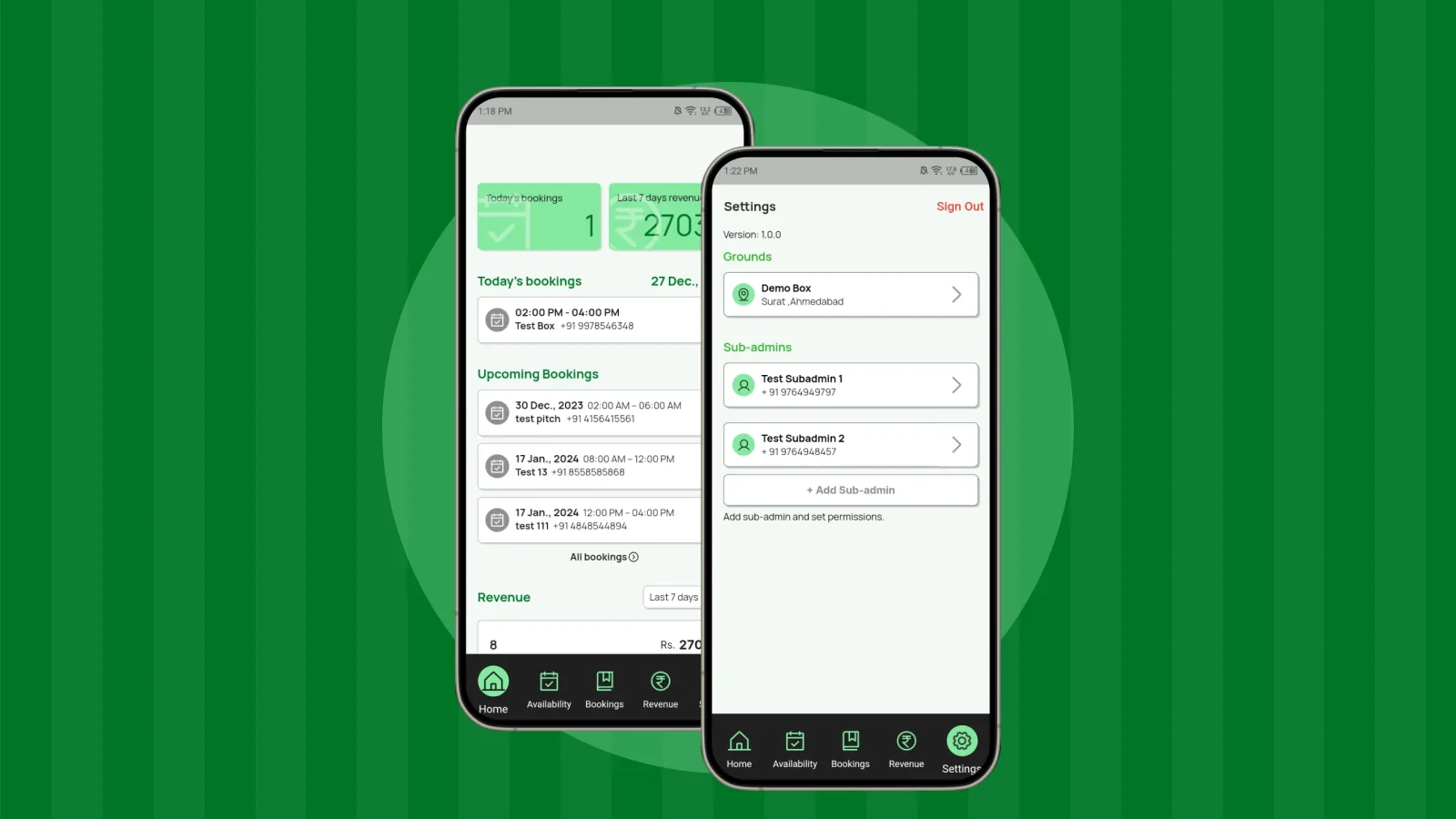
- Booking management: manage bookings from one place, whichever channel they came from.
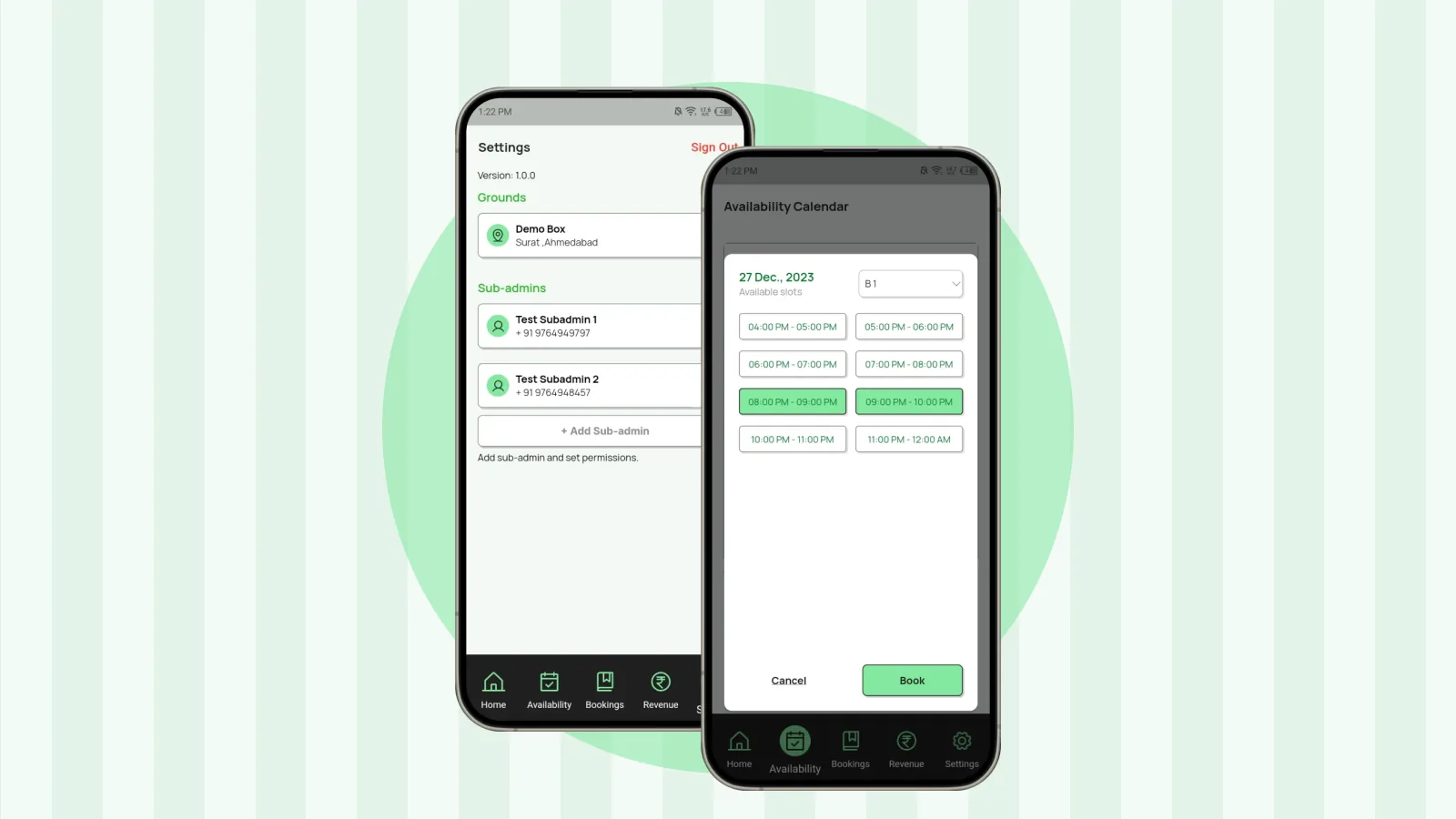
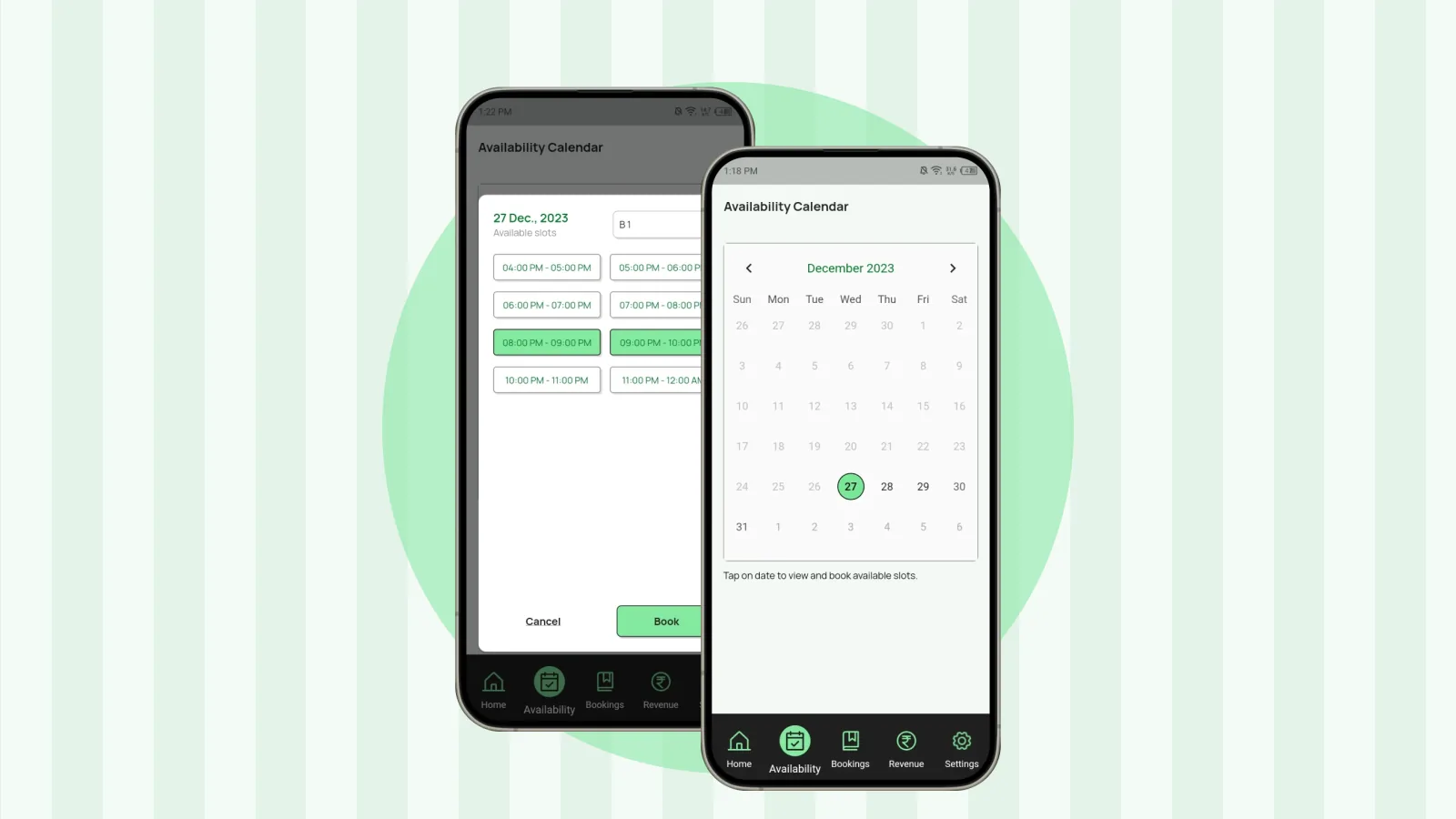
- Live slot availability: view availability before you confirm a booking and reduce double-booking risk.
- Booking requests: accept or decline requests through the app, so nothing is confirmed by accident.
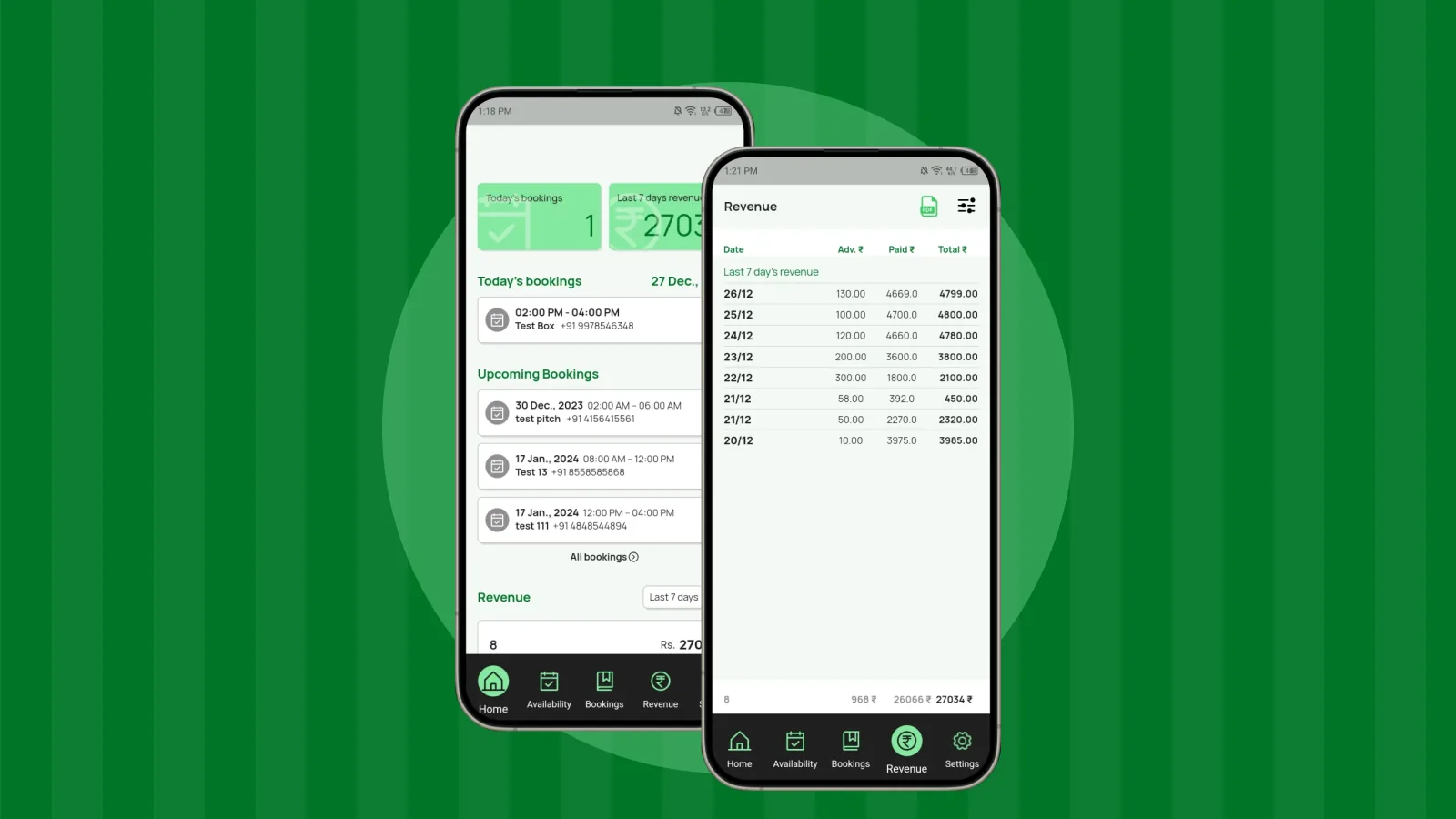
- Payment records: track paid, advance and pending amounts for each booking.
- Staff and sub-admin access: give team members access with the permissions you choose.
- WhatsApp communication: share booking details with customers.
Double bookings come from scattered information. Put every booking in one place, define your slots clearly, confirm in writing and review your calendar every day, and the problem largely disappears.
About the author
CrickBox Team
Product team
The team behind CrickBox, the booking and management app for turf and sports facility owners. We write practical guides for owners who run box cricket and other slot-based venues.
Manage Your Turf Bookings with CrickBox
Check slot availability, manage bookings and track payments from one app.