How to Plan the Size of Your Box Cricket Turf
Ordering too much turf wastes money and too little delays opening. Learn how to plan the size of a box cricket ground before you buy, with a video guide.

By CrickBox Team
Published 2 min read
Artificial turf is one of the largest purchases when you set up a box cricket ground, and it is bought by area. Order too much and you pay for offcuts; order too little and the opening date slips while you wait for more. A little planning before you contact suppliers avoids both.
The video below explains how to work out the amount of turf a box cricket ground needs.
Start from the playing area
Decide the length and width of the playing area first, inside the nets. Everything else follows from it: the turf, the netting and the structure. If you plan more than one ground on the same plot, sketch each one separately and leave room between them for walkways and the net poles.
Measure the plot, not the drawing
Measure the actual site, at several points, before you finalise the plan. Plots are rarely perfectly rectangular, and a small difference across a whole side changes how much turf you need. Note any slope, drains or fixed objects that the layout has to work around.
Account for roll widths and joins
Turf is supplied in rolls of a fixed width, and the rolls are joined on site. Ask your supplier for the roll width before you calculate, then plan how the rolls will run across the ground so that you use as few joins as possible. Fewer joins usually means a smoother, longer-lasting surface.
Note
Every supplier and site is different. Treat your own calculation as a starting point, and ask the installer to confirm the final quantity after they have seen the site.
Plan for the areas around the pitch
The area you need to cover is not always just the playing area. Decide whether you also want turf in the run-off space, near the entrance or in the waiting area, and include it in the same order so that the colour and texture match.
Keep a record for later
Write down the final measurements, the number of rolls and where the joins are. You will need this information when you repair a section of turf, add a second ground or replace the surface in future.
How CrickBox helps
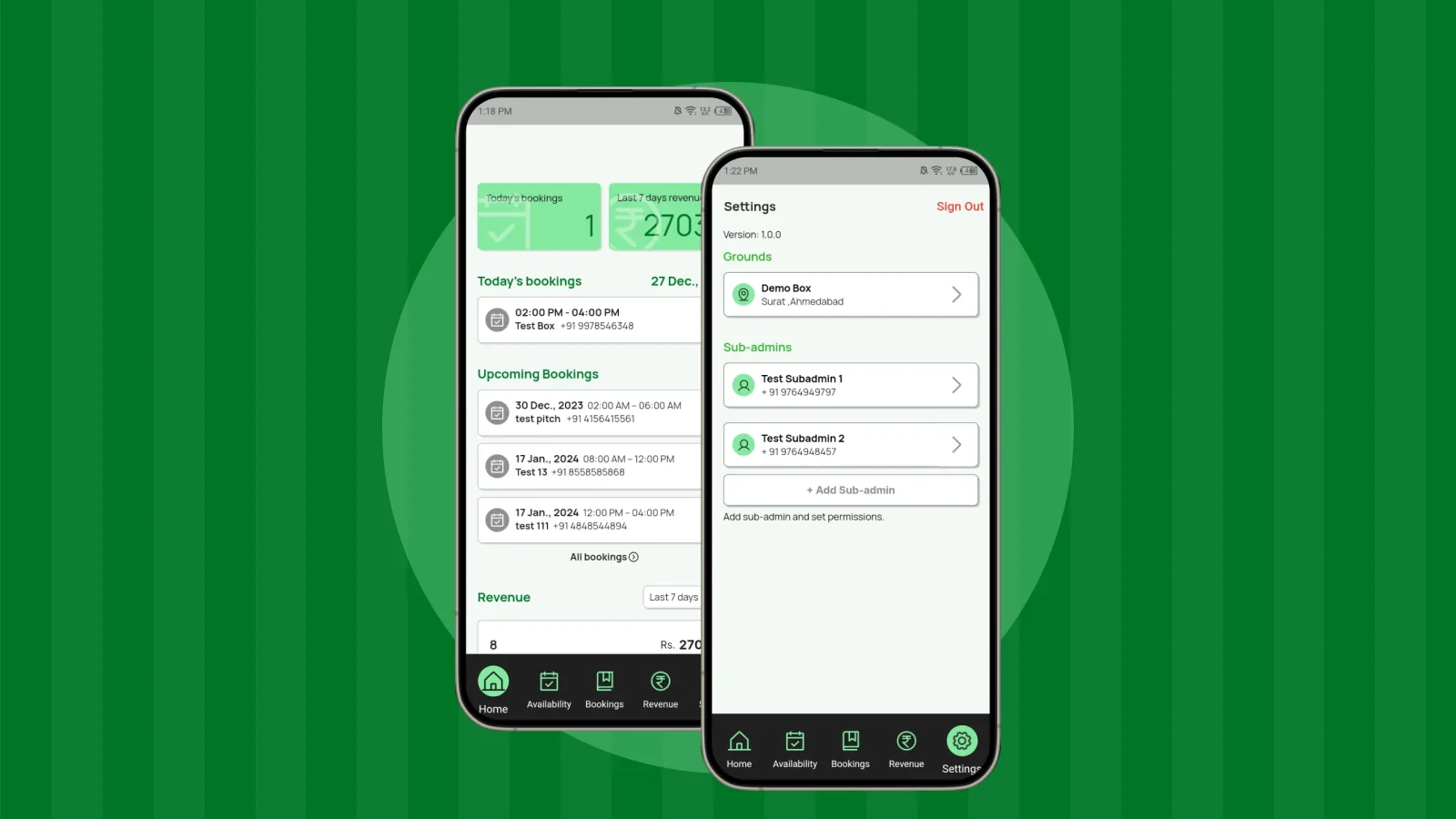
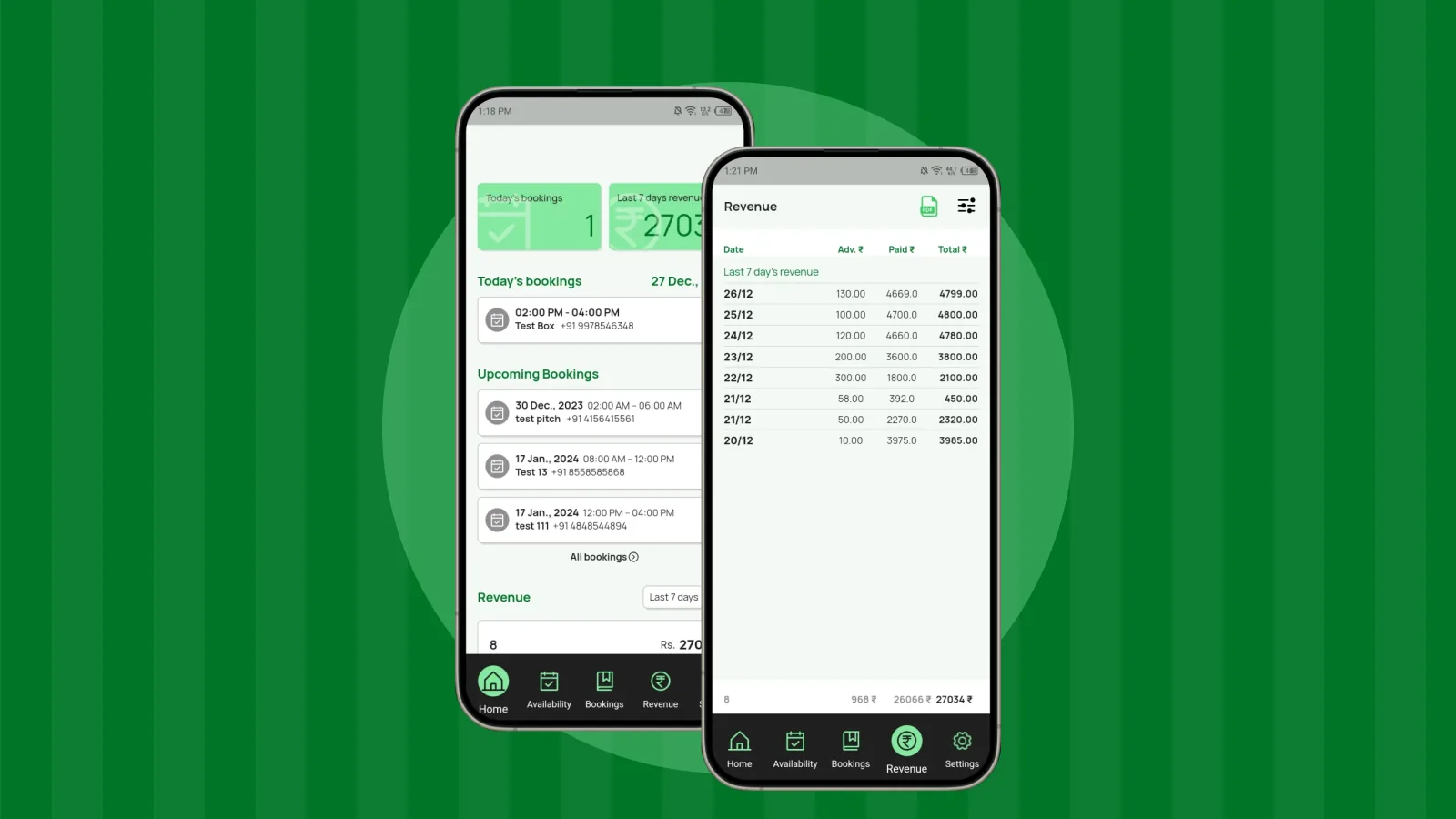
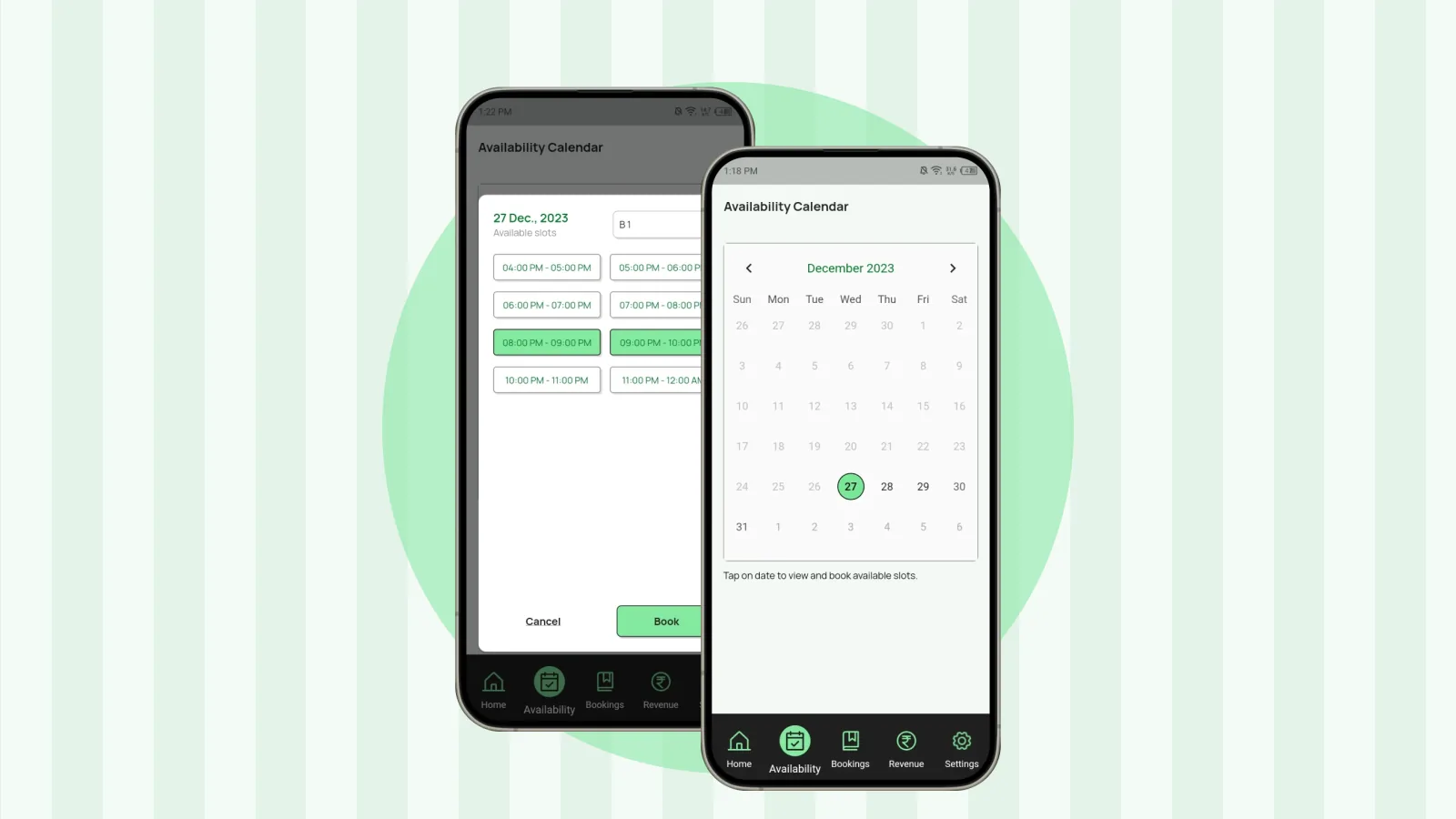
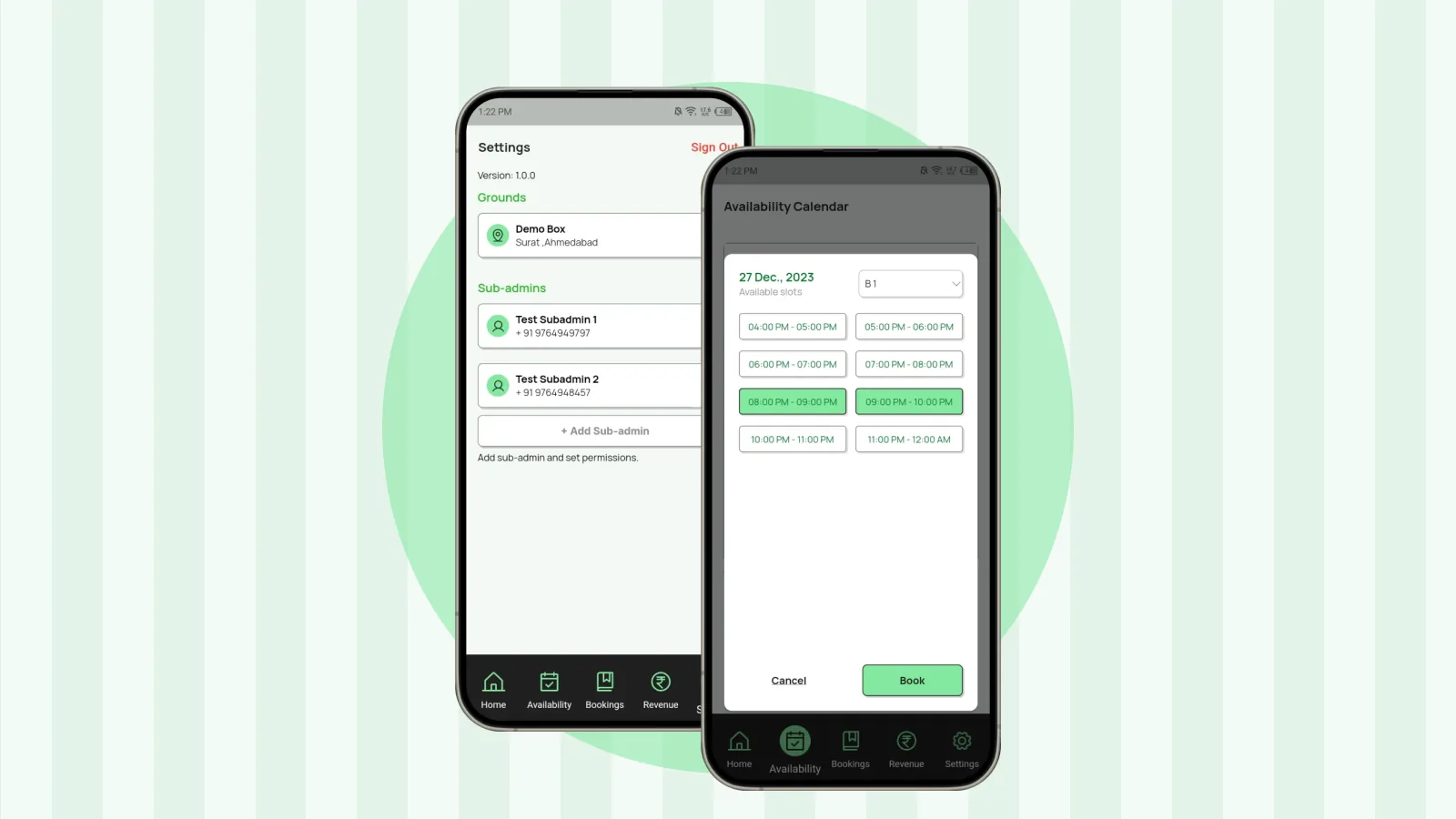
Once your grounds are built, set them up in the app:
- Multiple grounds and pitches: add each ground and its pitch configuration, so bookings always name the right one.
- Booking management: manage the bookings for every ground from one place.
Planning the rest of the build? Read the overview of setting up a box cricket ground.
About the author
CrickBox Team
Product team
The team behind CrickBox, the booking and management app for turf and sports facility owners. We write practical guides for owners who run box cricket and other slot-based venues.
Manage Your Turf Bookings with CrickBox
Check slot availability, manage bookings and track payments from one app.